Quiz Game
The goal of the project was to design and implement an interactive quiz that tests the user’s knowledge of world capitals. The game was developed using JavaScript, HTML, and CSS, and in the design process I focused on creating a clear user interface and a smooth user experience.
For the background I chose an image of tall buildings covered in clouds, which creates a calm and aesthetic atmosphere. The color palette is neutral and easy on the eyes, consisting of blue, white and gray, supporting visual harmony and a pleasant long-term user experience.
Design Process
I approached the design from a user-centered perspective: I considered how the player progresses through the game, how the questions are presented clearly, and how the feedback should be shown at the end. During the ideation phase, I used AI to help generate the countries included in the quiz questions.
Next, I designed the user interface: the start screen, question view, and results page. The main focus was on user interaction and answer input, while ensuring that the game is visually appealing and easy to understand.
The interactivity of the game was implemented with JavaScript, including question handling and result calculation. Finally, I tested the game to ensure it runs smoothly and provides a rewarding player experience.
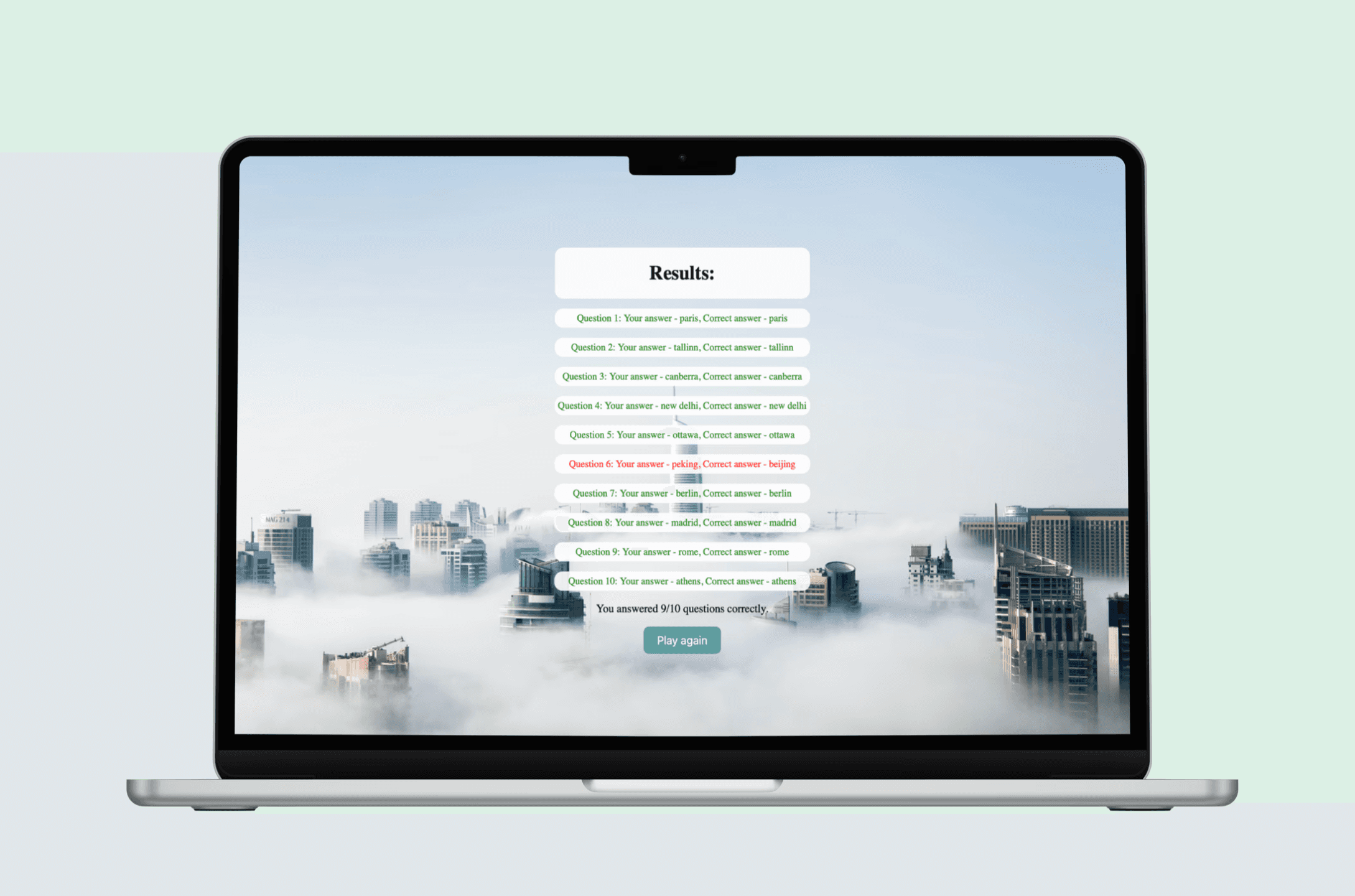
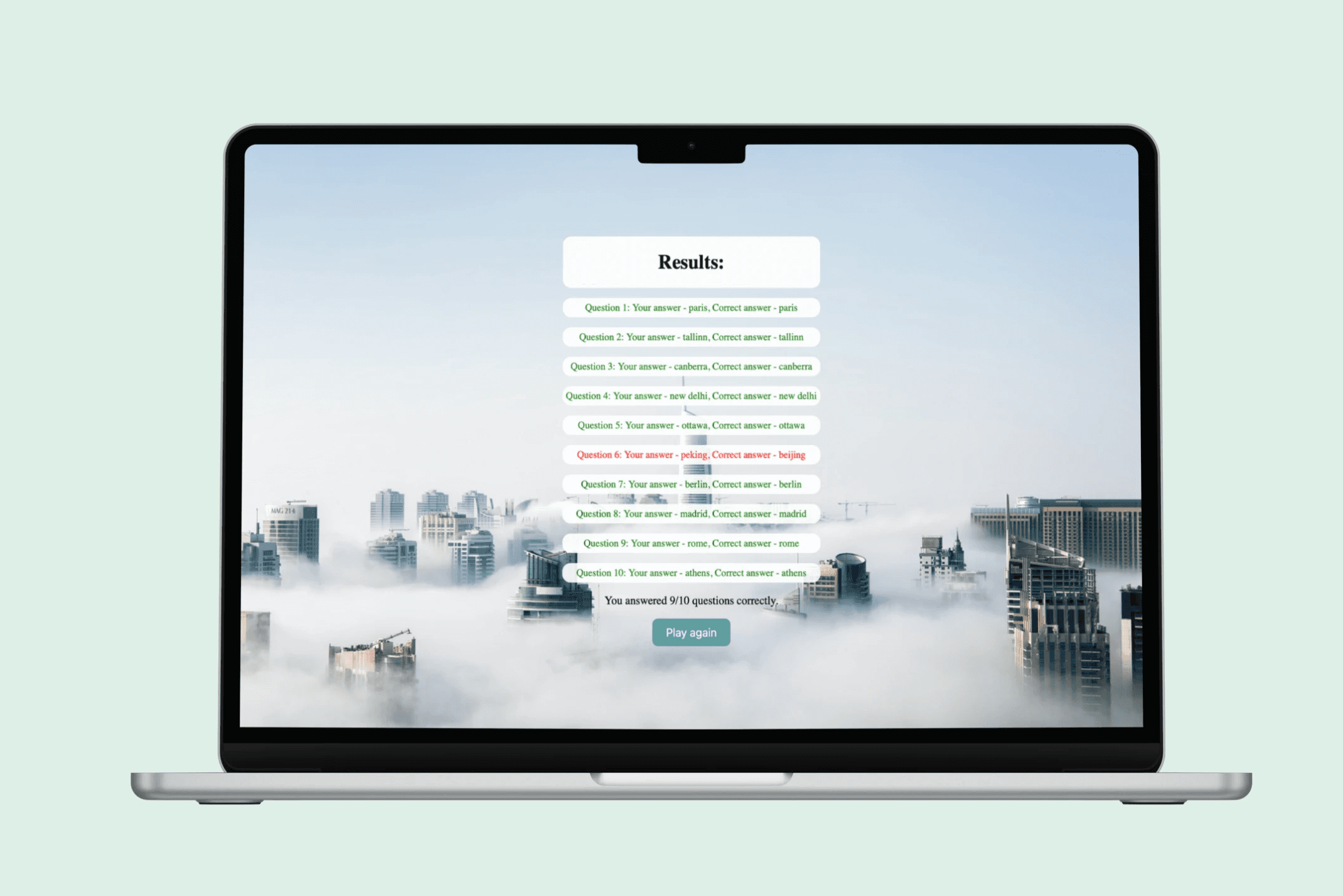
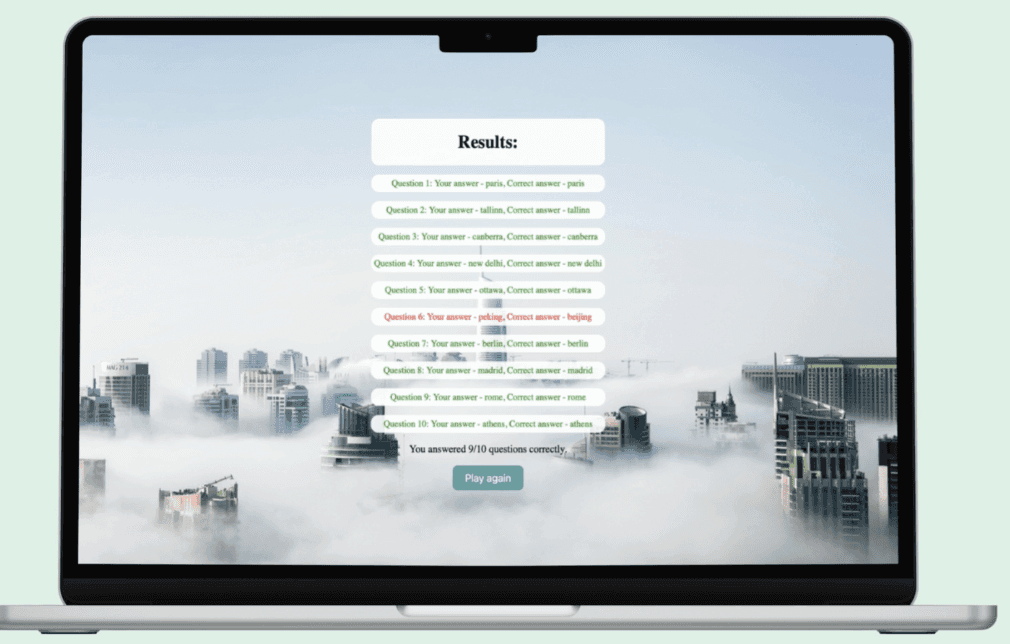
As a result, the user progresses through ten questions one by one, and at the end, they see their results visually: correct answers are highlighted in green and incorrect ones in red. Additionally, the user can play again using the “Play Again” button, which enhances interactivity and encourages learning.
Quiz Game
The goal of the project was to design and implement an interactive quiz that tests the user’s knowledge of world capitals. The game was developed using JavaScript, HTML, and CSS, and in the design process I focused on creating a clear user interface and a smooth user experience.
For the background I chose an image of tall buildings covered in clouds, which creates a calm and aesthetic atmosphere. The color palette is neutral and easy on the eyes, consisting of blue, white and gray, supporting visual harmony and a pleasant long-term user experience.
Design Process
I approached the design from a user-centered perspective: I considered how the player progresses through the game, how the questions are presented clearly, and how the feedback should be shown at the end. During the ideation phase, I used AI to help generate the countries included in the quiz questions.
Next, I designed the user interface: the start screen, question view, and results page. The main focus was on user interaction and answer input, while ensuring that the game is visually appealing and easy to understand.
The interactivity of the game was implemented with JavaScript, including question handling and result calculation. Finally, I tested the game to ensure it runs smoothly and provides a rewarding player experience.
As a result, the user progresses through ten questions one by one, and at the end, they see their results visually: correct answers are highlighted in green and incorrect ones in red. Additionally, the user can play again using the “Play Again” button, which enhances interactivity and encourages learning.
Start
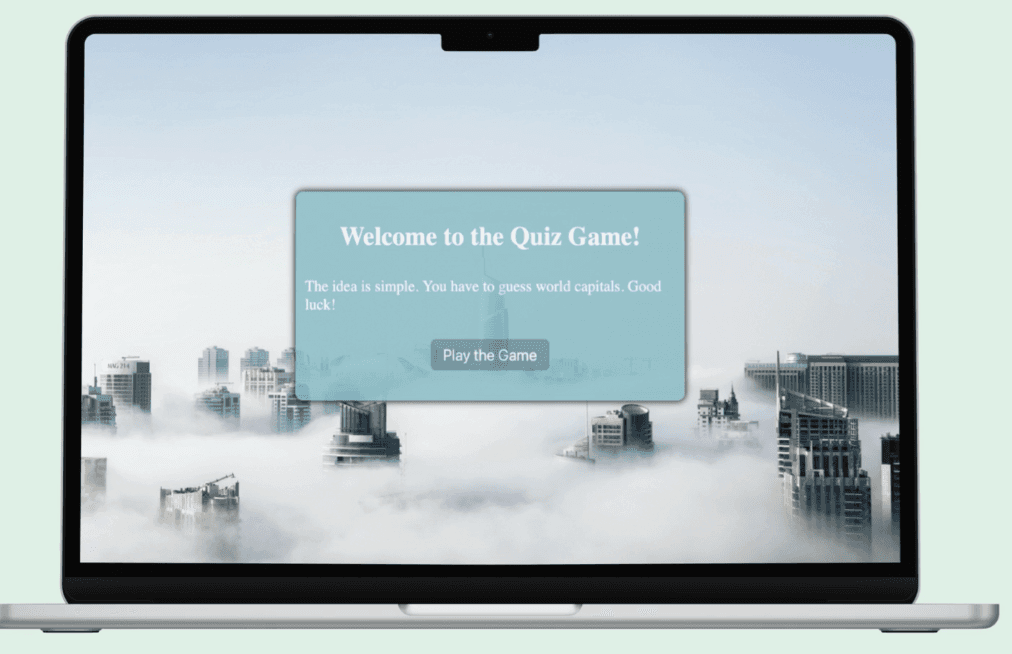
I designed the game’s start screen to give the user a clear welcome and straightforward instructions on how to begin. The interface was kept simple and engaging so that the user immediately understands the purpose of the game. At this stage, the game starts with the click of a button, taking the user to the first question.
I designed the game’s start screen to give the user a clear welcome and straightforward instructions on how to begin. The interface was kept simple and engaging so that the user immediately understands the purpose of the game. At this stage, the game starts with the click of a button, taking the user to the first question.
Questions
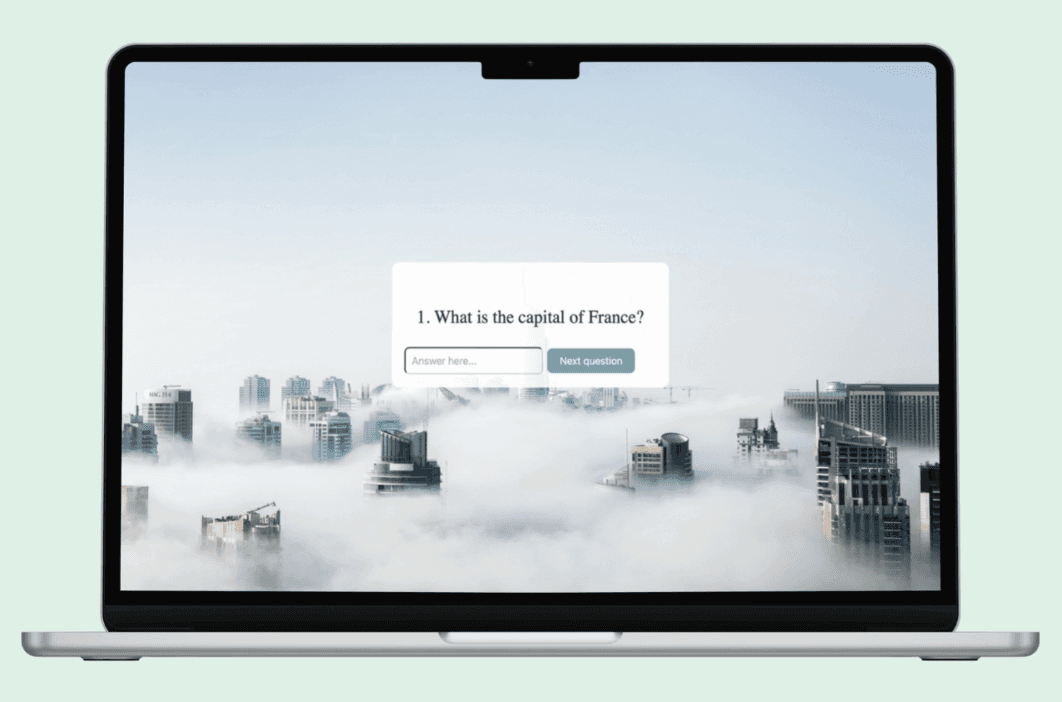
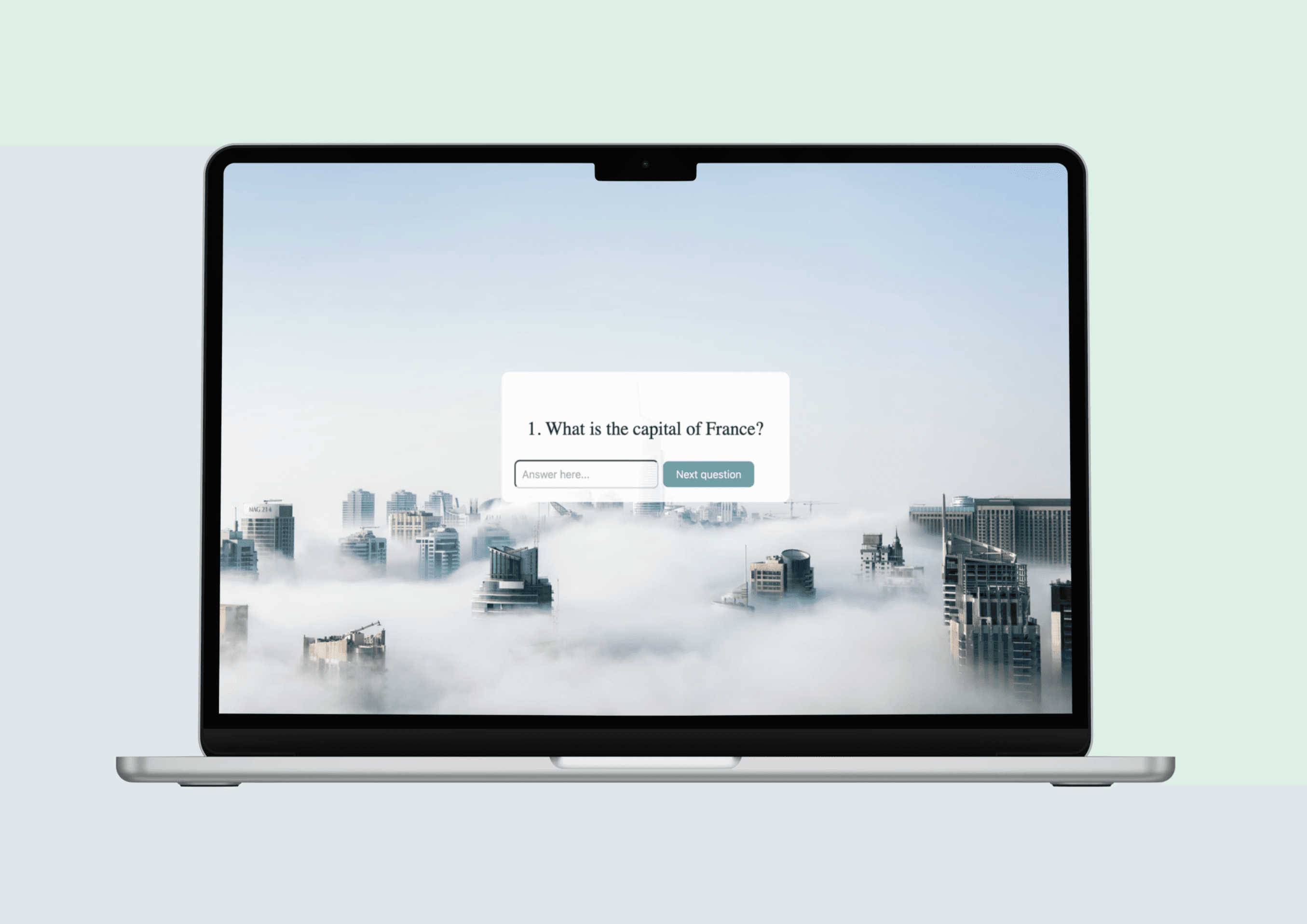
In this view, the user answers the quiz questions by typing in their responses. I used AI to help generate the countries included in the questions. The user enters their answer and proceeds to the next question. The game includes a total of 10 questions, providing a diverse and educational gameplay experience.
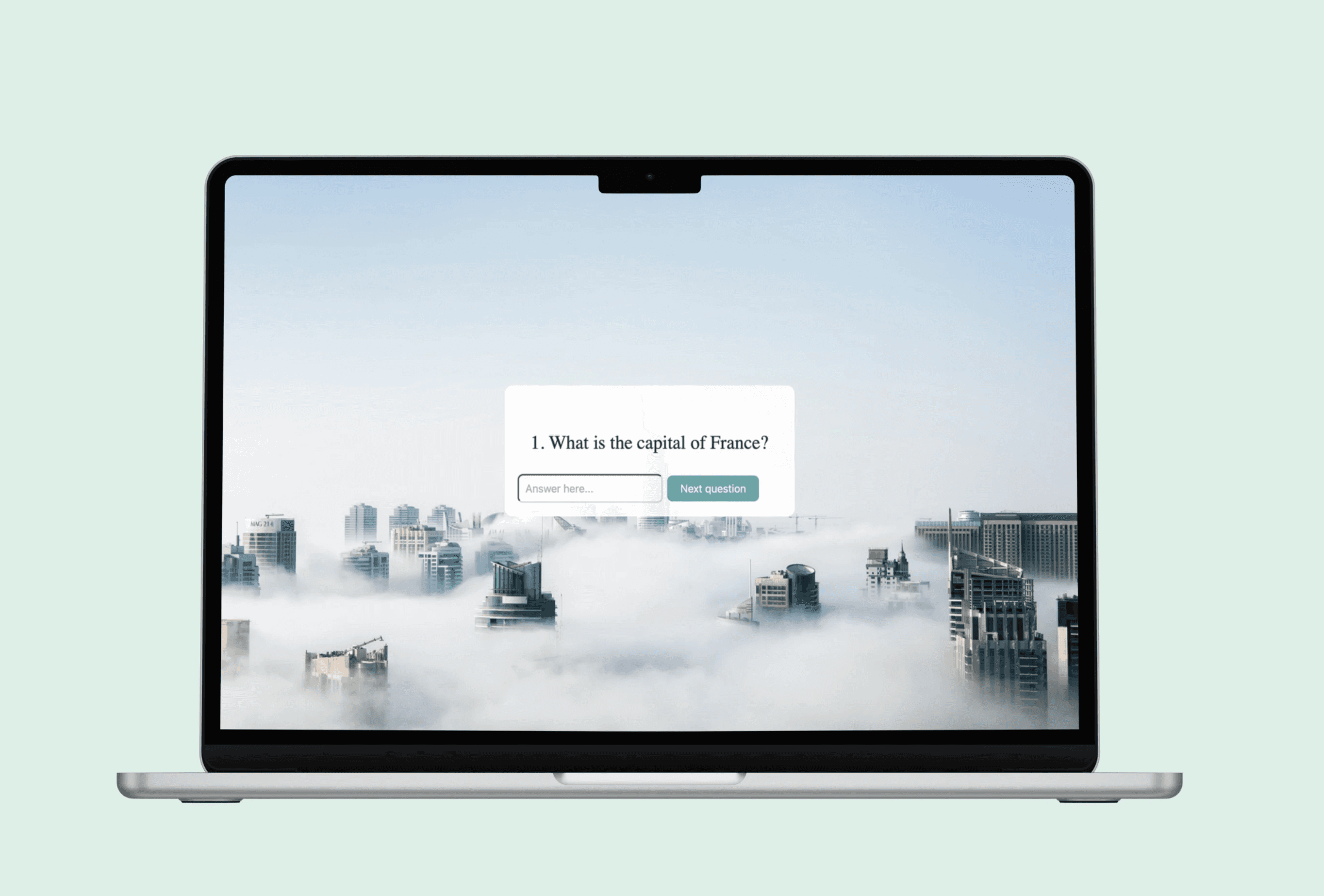
In this view, the user answers the quiz questions by typing in their responses. I used AI to help generate the countries included in the questions. The user enters their answer and proceeds to the next question. The game includes a total of 10 questions, providing a diverse and educational gameplay experience.